The B2B field marketing tech stack in 2026, and where coordination fits
Six categories of tools, what each vendor says it does, and the one job on event day that none of them describes.
By CordiallyPublished · 14 min read
The short answer
A B2B field marketing stack in 2026 has six layers: event discovery, registration and check-in, gifting and direct mail, lead capture, field execution, and the CRM that counts the result. Each records something about an account. None tells your team, during an event you host, which key accounts are in the room, who has met them and who should step in next.
What is a field marketing tech stack?
A field marketing tech stack is the set of tools a field marketer uses to choose events, run them, follow up on them and report what they produced. For a company that hosts its own events, such as a user conference, a VIP dinner or a roadshow, it usually has six layers.
| Layer | The question it answers | Vendors this guide checked |
|---|---|---|
| Event discovery | Which events are my target accounts attending? | Vendelux, Lensmor |
| Registration and check-in | Who signed up, and who showed up? | Cvent, Bizzabo, Accelevents |
| Gifting and direct mail | What do we send before and after? | Sendoso, Postal |
| Lead capture | Who did we scan or talk to? | Captello, Popl, Blinq |
| Field execution | Where did each rep go, and what did they log? | Outfield |
| CRM and campaign reporting | Which pipeline counts as the event’s? | Salesforce, HubSpot |
Most teams do not run one tool per layer. Forrester’s 2025 survey of B2B event teams found that tool counts get high while integration stays rare:
“Twenty-eight percent of large organizations used six or more event tech platforms, and only 20% had fully integrated their event platform into their sales and marketing stacks.”
The page does not define “large” or give a sample size, so read it as a signal, not a benchmark. Forrester adds that “integrated event technology correlated with significantly higher satisfaction with event performance.”
How to read the vendor descriptions below
Every description comes from the vendor’s own website, read on October 26, 2026. It tells you what the vendor says the product does. It says nothing about how the product performs, and none of these pages shows a publication date. Splash is left out because its site blocked automated reading, and we do not describe what we could not check.
What does event discovery add before the event?
Event discovery tools tell you which events your target accounts attend, and some book meetings with them. They work before the day and mostly on events other people run.
Vendelux describes itself as an event marketing platform that pairs attendee data with outreach. Its homepage says the company combines “verified attendee data with human-led outreach to pre-book conversations with your highest-value prospects.” It also says you can “Connect your CRM to monitor who’s attending upcoming events.” Lensmor sells research on trade shows: its homepage says it helps you “identify exhibitors and likely attendees that match your ICP.” Its FAQ is plain about where its job ends: “Your CRM and approved outreach platform remain responsible for ownership, campaigns, and follow-up.”
At an event you host, you already have the guest list, so discovery matters less for that event. It still matters for the sponsored shows where your accounts gather, and for deciding which of your own events to run in which city.
A tool that picks the room cannot tell you who you met in it.
Vendelux and tools like it pair well with a coordination layer: one chooses the room and books the meetings, the other makes sure the meetings that happen are counted. The two-sided picture of how events earn credit in the CRM is in how to prove event ROI at account level.
What do registration and check-in tools know?
Registration and check-in tools know who signed up and who arrived. For an event you host, they hold the most useful single list you have, because it is the list of who is in the building.
- Cvent
- Its homepage says: “Run every event format on one platform, capture intent data, and connect every dollar to impact you can prove.” It lists event registration and check-in and badging as products.
- Bizzabo
- Its homepage says it is “helping B2B event leaders scale programs, make smarter decisions, and prove impact.” It lists registration (“Customize registration flows for events of any size or scope”) and badges that “enable contactless lead retrieval.”
- Accelevents
- Its homepage says you can “Run registration, check-in, badge printing, agenda and speaker management, exhibitor workflows, mobile app, and lead capture from one flexible platform.”
All three describe check-in as a feature of the event, with the account behind each badge held in their own records. Whether that check-in reaches your CRM as a campaign member who is a contact on the account’s open deal is a setup question for your team, not something a vendor page promises. Guide 2 explains why that link decides what a CRM report shows: why your CRM shows no event influence.
Goldcast sits near this layer for a different reason. Its homepage says it is built to “Host engaging webinars, virtual events, field events, and more,” and it presents itself as a video content platform. If your field events are small and your content is video, it may be in your stack. For a user conference or a dinner with a guest list, the registration tools above are the usual source of attendee data.
Where do gifting and direct mail fit?
Gifting and direct mail tools send physical items to prospects and customers, often before an event to lift attendance and afterwards as follow-up. They act on people outside the venue, so they sit on either side of the event day.
Sendoso’s homepage says: “Get gifting, events, and direct mail made easy with AI-powered intelligence.” It adds that the platform builds relationships that “integrate with your CRM and drive measurable revenue growth.” Postal’s site now reads “Postal is now part of the Sendoso family!” and lists use cases that include “Generate more leads with personalized gifting in ABM, field marketing, and brand strategies.”
These tools know what you sent and to whom. They do not know whether the person walked up to a colleague at the dinner or what they said. A gift sent to a key account before your conference is useful context for the person who meets that account in the room, which is why it belongs in the same account record as the event itself.
What does lead capture record on the floor?
Lead capture tools record the people your team scans or talks to. They are built for one person at a time, and the rep who scans is the one who writes the note. That is the job they do well, and it is a different job from knowing which accounts you have not met.
- Captello
- Calls itself “The lead capture system of record built for pipeline attribution you can prove,” and says it “captures every conversation, meeting, and activation, pre-event to post-event, and routes it to your CRM as attributable pipeline. Nothing walks off the floor uncounted.”
- Popl
- Says it will “Capture leads, scan badges, enrich data, and sync it all to your CRM—at events, conferences, and beyond.”
- Blinq
- Describes saving “Where you met, when, and what you talked about, saved with the person,” with tags and an AI notetaker, and says the contact lands in your CRM, phonebook or email.
Captello’s line, “Nothing walks off the floor uncounted,” describes a real strength: every scanned badge becomes a record. It counts what was scanned. A key account whose people nobody scanned, because nobody on your team walked up, produces no record at all. That absence is the gap in the next section.
A scanner counts the people who were met. No tool counts the key accounts that were not.
Lead capture also fits sponsored shows better than hosted ones. At a booth you do not know who will walk up. At your own event you do, so the useful question moves from “who did we scan” to “which of the accounts we invited have we met.”
What do field execution tools and the CRM count?
Field execution tools log what outside reps do, and the CRM decides what counts as the event’s result. The CRM is the layer the other five report into, so its rules decide whether any of them earns credit.
Outfield is a field sales CRM, built for reps who visit accounts, not for event teams. Its site says it “was built from the ground up for outside reps — the ones visiting accounts, checking into locations, and closing deals in the field,” and that it can work “alongside Salesforce, HubSpot, Zoho, or any CRM you’re already running.” That makes it useful for territory visits and a poor description of a hosted event, where everyone is in one place.
The two CRMs most field teams report into are explicit about what they credit. Salesforce’s documentation says:
“Influence models scan active campaigns to identify members who are also assigned a contact role on an open opportunity.”
HubSpot’s says something close in its own terms:
“For attribution, the deal must be associated with at least one influenced contact.”
Both credit an event through a person attached to a deal. Every tool upstream can be configured perfectly and the report can still show nothing, if the guest who attended is not a contact on the account’s open opportunity. The four ways pipeline gets missed even when the tools work are in the pipeline your team misses at your own events.
What does no layer of the stack do?
No layer tells your team, while an event you host is running, which key accounts are in the room, who has met them, what each said and who should step in next. The registration list says who arrived. The scanner says who was met. Nobody holds the live picture between the two.
Definition
The coordination layer is the part of the stack that works during an event you host: it shows which key accounts are on site, which teammate has met each, what each person said and who should talk to whom next, and it writes that account record to the CRM tagged to the event.
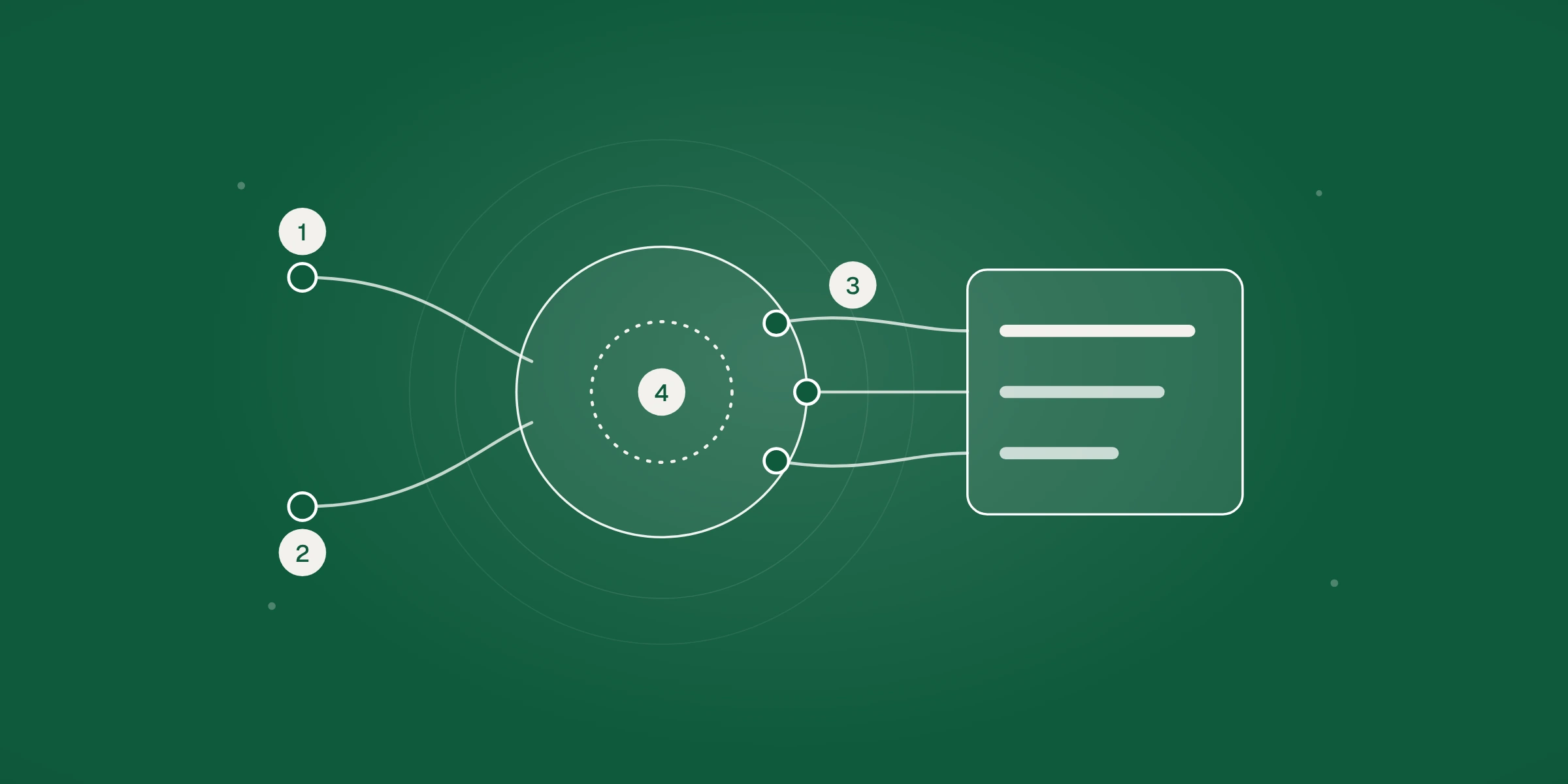
The four questions below test whether a layer already does this. They map to the dashed ring at the center of the banner.
- Which people from our key accounts are on site right now? Registration and check-in know this, if they are connected to your account list.
- Which of them has someone on our team met? Scanners know it for the people scanned, per rep, and nothing knows it for the people nobody approached.
- What did each one tell us, and has the account owner heard it? Notes sit with the rep who wrote them.
- Who should step in next, and with what message? No tool above is described as doing this.
Every tool in the stack records the event, and none is described as running the room while it happens.
Cordially Agents work in that gap. They surface what each stakeholder tells your team, line up the right person in real time, coordinate messaging on the day and update your CRM, so the field marketer can catch the pipeline that gets missed and prove the event’s ROI. They take check-in data from your registration tool as an input and write to your CRM as an output, so they sit beside the stack and do not replace a layer of it. Cordially is built for the events you host, not for booths at sponsored shows.
Does the stack change for events you host versus sponsored shows?
Yes. At an event you host, you control the guest list and the check-in, so registration and the CRM matter most. At a sponsored show you control a booth and nothing else, so discovery and lead capture matter most. Most lists of “the field marketing stack” mix the two without saying so.
| Layer | At an event you host | At a sponsored show |
|---|---|---|
| Event discovery | Picks the city and the accounts to invite | Picks the show and the booth |
| Registration and check-in | Holds your guest list and who arrived | Belongs to the organizer, so you rarely see it |
| Gifting and direct mail | Lifts attendance before and follows up after | Draws people to the booth |
| Lead capture | Logs conversations, one rep at a time | Your main record of who walked up |
| Field execution | Rarely needed, since the team is in one place | Useful for visits around the show |
| CRM | Decides whether the event earns credit | Decides the same, with a thinner guest record |
The difference is why the coordination job exists at all. A booth team waits for people to arrive and scans them. A host knows in advance which key accounts were invited, which of them arrived and who on the team owns each relationship. That is a much richer starting point, and a scanner built for booths uses almost none of it.
At an event you host, you know before the doors open which key accounts are coming.
In what order should you build the stack?
Build it from the record outwards: the CRM first, then registration, then the layers that add context. A tool bought before the record it should write to is set up correctly will add data nobody can use.
- The CRM rules. Decide the event campaign, the contact roles and who adds a guest to an open deal. Without this, no later tool earns credit.
- Registration and check-in. Make sure check-in data carries the account name and reaches the CRM as campaign membership.
- One place for conversation notes. This can be the CRM itself, a form or a scanner. The three-line habit in same-day CRM logging works with any of them.
- Gifting and direct mail. Add it once you can see in the CRM which accounts attended, so you can tell whether a send came before the event or after it.
- Event discovery. Add it when you start running sponsored shows or choosing new cities, and pick it by whether it connects to your account list.
- Coordination. Add it when the problem you can name is a key account that was in the room and went unmet, or a stakeholder comment that never reached the account owner.
The order follows dependencies. Discovery is useful on day one for a team that sponsors a lot of shows. A team that mostly hosts can do without it for a year. What none of them can skip is the first step, because the CRM is where the result is counted.
Write down the one question you want the stack to answer after each event, for example “which of our 40 invited accounts did we meet, and what did each say?” If a tool does not help answer it, it is a convenience, not a layer.
How do you audit your own stack?
Audit a stack by following one key account through it. Pick an account you invited to your last hosted event and ask each layer what it knows. The answers show where the record stops.
| Layer | Ask this | A gap looks like |
|---|---|---|
| Event discovery | Did this account’s attendance on our list come from a tool or from a person? | Nobody can say which source added them |
| Registration and check-in | Did their people check in, and is the check-in tied to the account record? | Check-in exists only inside the event platform |
| Gifting and direct mail | What did we send them in the last 90 days? | The send is in a different system from the account |
| Lead capture | Did anyone on the team scan or log a conversation with them? | No record, and no way to tell “not met” from “not logged” |
| Field execution | Did a rep visit the account around the event? | Visits are logged on a different record |
| CRM | Are the guests who came contacts on the account’s open deal? | Attendees are campaign members only, so the report credits nothing |
Run it for five accounts. The same break usually shows up more than once, and it is usually a missing link between two tools. Fix the link first. The account-ledger method in how to prove event ROI at account level gives you a place to record the answers.
What should you ask a vendor before you add a tool?
Before you add a tool, ask which layer it replaces, what it writes to the CRM and which record it writes to. A tool that adds a seventh platform and no integration repeats the pattern Forrester describes.
- Which of the six layers does this cover, and which of our current tools would it retire?
- Does it write to the contact, the account and the open deal, or only to a lead or a campaign member?
- Can it work from our target account list, or only from whoever it captures?
- Does it tell us who we did not meet, or only who we did?
- What does the CRM report show for a key account after an event, with a test record, before we sign?
- Who owns the data when the contract ends?
Ask for a test event record in your own CRM sandbox, and check it with the Salesforce and HubSpot rules above. A demo environment hides the association problem. Your CRM shows it.
Refresh this guide’s vendor descriptions quarterly. Vendor sites change, and the layers shift when one company buys another, as Sendoso and Postal show. For the follow-up end of the stack, the same-day habit that feeds all of it is in same-day CRM logging for your user conference, and the definitions your report depends on are in event-sourced vs event-influenced pipeline.
Frequently asked questions
What tools does a B2B field marketer need for events?
Six categories cover most programs: event discovery, registration and check-in, gifting and direct mail, lead capture, field execution and a CRM that reports campaign results. Few teams need a tool in every layer. Start with registration and the CRM, and add a layer when a specific gap in your own events justifies it.
Do I need lead capture if I host my own events?
Less than at a sponsored booth. At your own event you already hold the guest list and check-in data, so the question is which invited accounts your team met, not who walked up. Lead capture still helps log conversations, but it does not show the accounts nobody approached.
Is there one platform that does all six layers?
Several vendors describe broad platforms. Cvent says you can run every event format on one platform, and Accelevents lists registration, check-in, badges and lead capture together. Their pages do not describe live coordination of your team around key accounts, so check each claim in a demo with your own account list before treating it as covered.
How many event tools do B2B teams use?
Forrester’s 2025 survey found 28% of large organizations used six or more event tech platforms and only 20% had fully integrated their event platform into their sales and marketing stacks. The page does not define large or give a sample size, so treat it as a signal, not a benchmark.
Where does Cordially fit in a field marketing stack?
Beside it. Cordially Agents take check-in data from your registration tool, surface what each key account tells your team during an event you host, line up the right person in real time and update your CRM. They do not replace registration, gifting, lead capture or the CRM.
How often should I review my event tech stack?
Review it once a quarter and after every hosted event. Vendor products and ownership change, and Postal now describes itself as part of Sendoso. After each event, follow five key accounts through every tool, as the audit above does, and fix the missing links before you buy anything new.
Sources
Every number in this guide comes from the sources below, checked against the source itself on the date shown. Cordially has no customer outcome data yet, so none is used.
- Participate In Forrester’s Q1 2026 State Of B2B Events Survey And Gain Critical Insights To Guide Your Event StrategyForrester, January 21, 2026Used for: 28% of large organizations used six or more event tech platforms; 20% fully integrated; integration and satisfactionChecked October 26, 2026
- How Customizable Campaign Influence WorksSalesforce HelpUsed for: Influence models and the contact role on an open opportunityChecked October 26, 2026
- Analyze individual campaign performanceHubSpot Knowledge Base, August 3, 2026Used for: A deal needs at least one influenced contact for attributionChecked October 26, 2026
- Vendelux homepageVendeluxUsed for: Attendee data with outreach to pre-book conversations; CRM connection to monitor who is attendingChecked October 26, 2026
- Lensmor homepage and FAQLensmorUsed for: Exhibitors and likely attendees that match an ICP; the CRM stays responsible for follow-upChecked October 26, 2026
- Cvent homepageCventUsed for: Run every event format on one platform; registration and check-in and badging listed as productsChecked October 26, 2026
- Bizzabo homepageBizzaboUsed for: Registration flows, badges with contactless lead retrieval, prove impactChecked October 26, 2026
- Accelevents homepageAcceleventsUsed for: Registration, check-in, badge printing and lead capture on one platformChecked October 26, 2026
- Goldcast homepageGoldcastUsed for: A video content platform that hosts webinars, virtual events and field eventsChecked October 26, 2026
- Sendoso homepageSendosoUsed for: Gifting, events and direct mail integrated with the CRMChecked October 26, 2026
- Postal homepagePostalUsed for: Now part of Sendoso; gifting for ABM and field marketingChecked October 26, 2026
- Captello homepageCaptelloUsed for: Lead capture system of record routing conversations to the CRMChecked October 26, 2026
- Popl homepagePoplUsed for: Badge scanning, enrichment and CRM syncChecked October 26, 2026
- Blinq homepageBlinqUsed for: Saving where you met, when and what you talked about, then syncing to the CRMChecked October 26, 2026
- Outfield homepageOutfieldUsed for: A field sales CRM for outside reps that works alongside other CRMsChecked October 26, 2026
Revision history
- : First published.